






Shopify Scripts will stop running on June 30, 2026.
If your store uses custom scripts at checkout (for discounts, shipping or payment methods, for example), our Digital Marketing Agency reminds you: you have less than a week to act.
Here’s what changes, and what to do now:
What Are Shopify Scripts — And Are You Affected?
Shopify Scripts are custom code snippets used to modify the checkout behavior of an online store. They’re a Shopify feature, mainly available on Plus and Advanced plans.
For example, they can apply automatic discounts based on specific conditions, filter shipping options, or control which payment methods appear based on the customer’s cart.
If you’ve set up custom checkout rules at any point, there’s a good chance they’re running through Scripts.
Not sure if you’re affected? Go to your Shopify admin → Apps → Script Editor (or contact a Shopify agency that can check for you 😉)
If you see active scripts, you need to act… before June 30! 👀
What Stops Working in Your Store on June 30
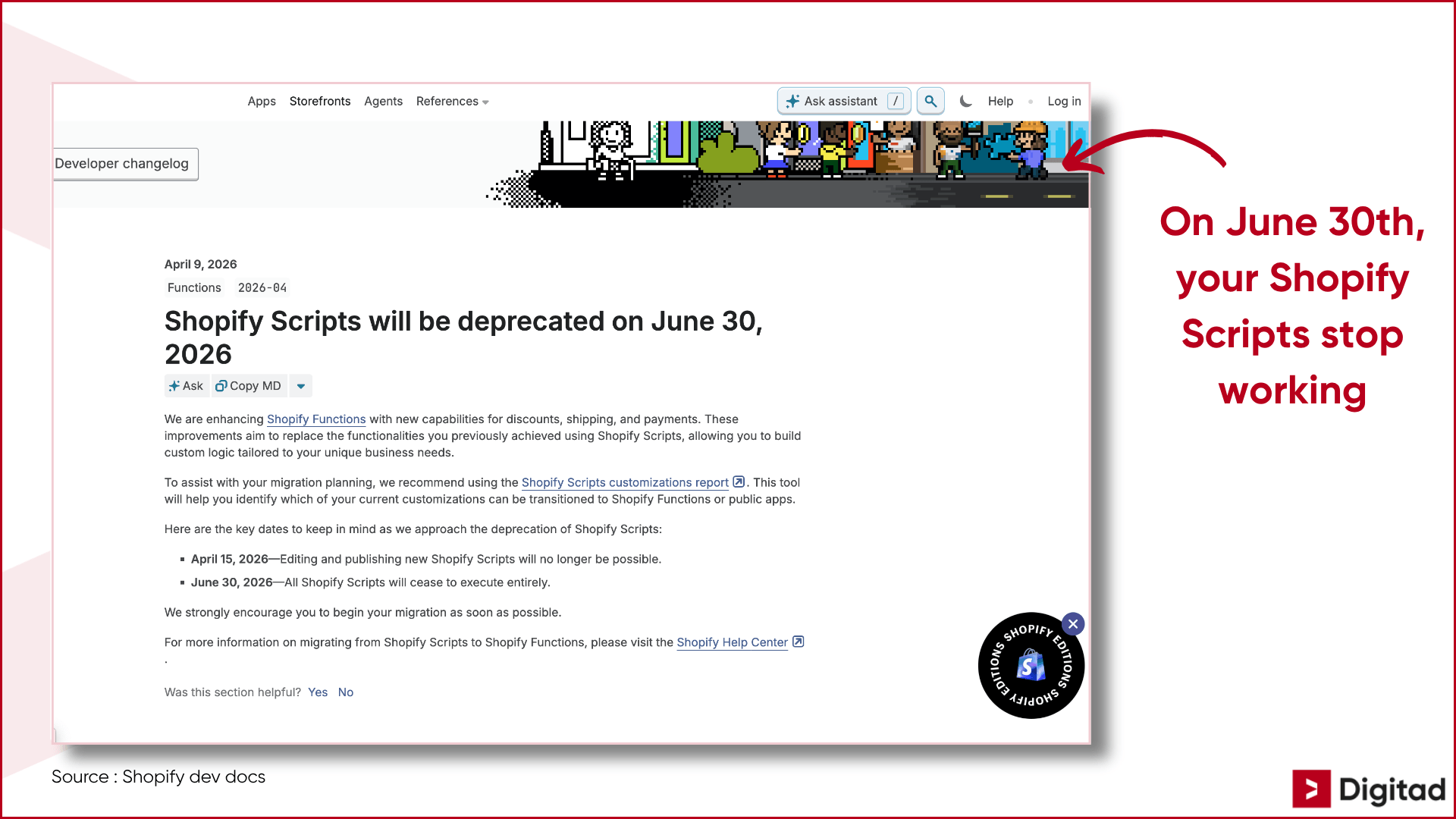
Since April 15th 2026, it’s already no longer possible to modify or publish new Scripts in Shopify. Phase one is over.
On June 30th 2026, phase two begins: all existing Scripts stop running, regardless of their status or how long they’ve been in place.
That means:
- Your automatic discount rules stop running
- Your shipping method filters stop running
- Your conditional payment display rules stop running
No gradual warning. No fallback mode.
That also makes the issue harder to diagnose if you don’t have proper tracking or a well-configured Web Analytics & GA4 setup.
Not Migrating? Here’s What It Could Cost Your Store
The impact is direct on the buying experience (and on your sales 😅).
If your automatic discounts stop working, customers won’t see the promotions they were promised at checkout. If your shipping filters disappear, incorrect or inapplicable options could show up. If your payment logic breaks, certain methods could appear or disappear unpredictably.
The result? More friction at checkout, more abandoned carts, more customer service requests, and campaigns that lose effectiveness at the most important moment… conversion!
How to Move to Shopify Functions (and Where to Start)
Good news! Shopify Functions, the official replacement, can do everything Scripts used to do (often even more).
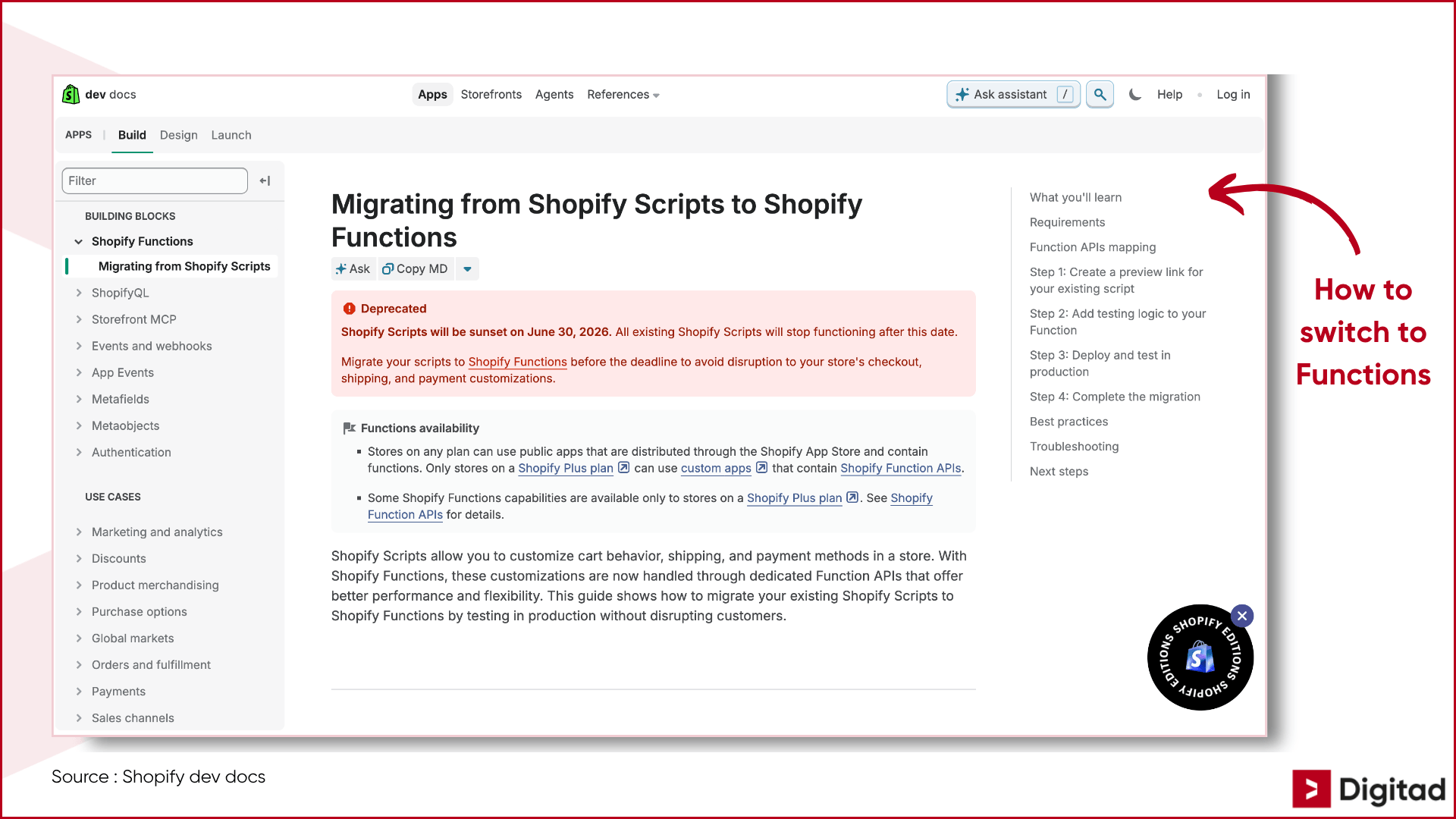
The key difference? Shopify Functions run directly in Shopify’s infrastructure, making them faster, more stable and better integrated. Shopify also provides an official migration guide that explains how to recreate existing behaviors.
Where to start:
- Identify all active Scripts in your Script Editor
- Document what each Script does (expected behavior, conditions, exceptions)
- Prioritize the most critical Scripts for your checkout
- Implement their equivalents in Shopify Functions with the help of a developer
Migrating to Functions can also be a good opportunity to optimize and simplify a Shopify checkout logic that has become more complex over time.
6 Tips for Migrating Your Shopify Scripts (Without Breaking Your Checkout)
To avoid unpleasant surprises on June 30, our Shopify agency’s experts are sharing 6 concrete, actionable tips!
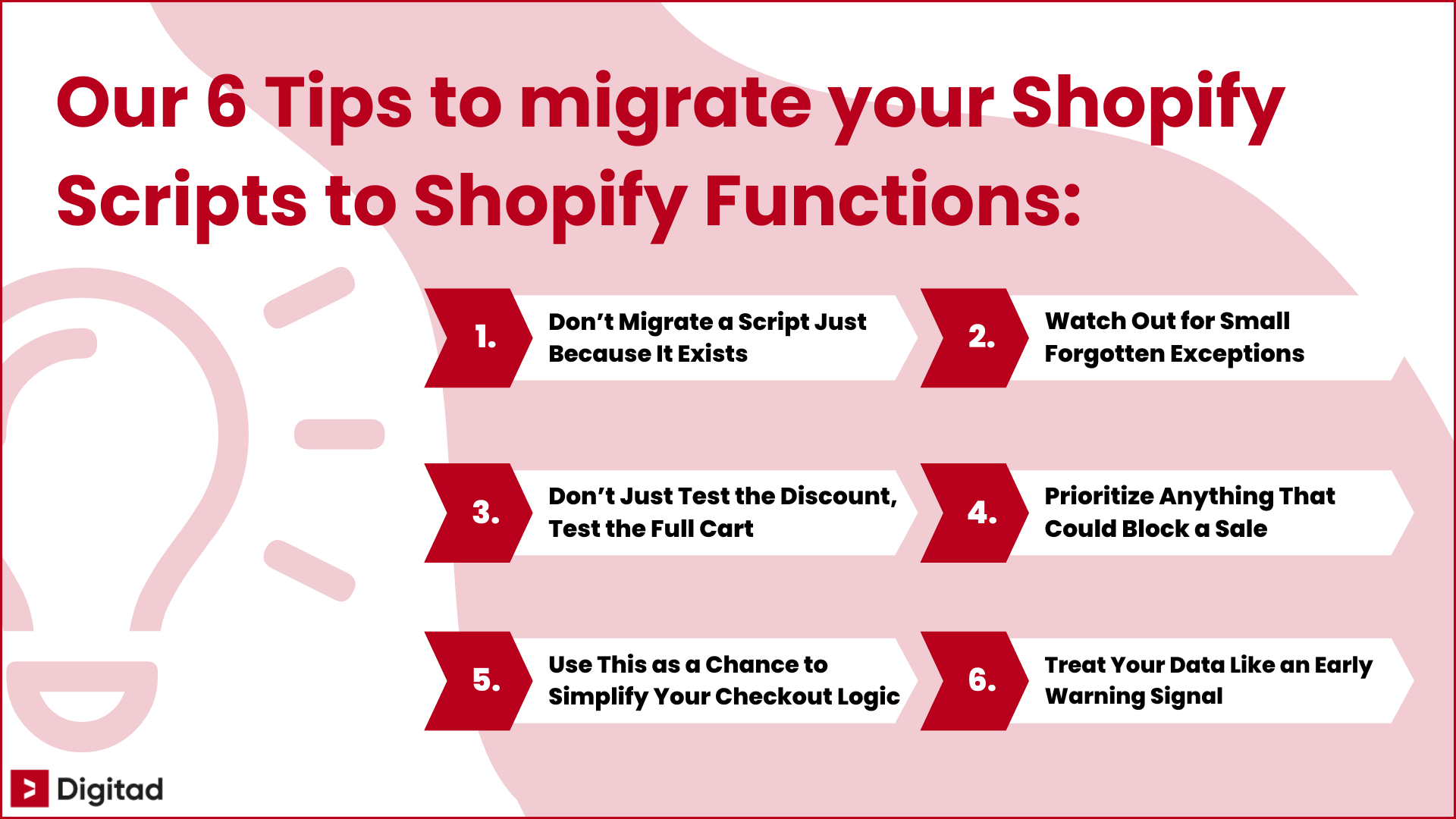
Tip 1: Don’t Migrate a Script Just Because It Exists
If a rule no longer supports an active promotion, shipping logic or real payment constraint, this might be the right time to remove it instead of rebuilding it.
Tip 2: Watch Out for Small Forgotten Exceptions
The most expensive bugs often come from “rare” cases (VIP customer, minimum cart value, specific region, combined promo code, subscription, gift card). These are the scenarios you want to validate before going live.
Tip 3: Don’t Just Test the Discount, Test the Full Cart
A discount can work perfectly and still create an issue with shipping, taxes, payments or another promotion. Test the checkout experience like a real customer, from cart to payment.
Tip 4: Prioritize Anything That Could Block a Sale
If you’re short on time, start with the rules that directly affect promotions, shipping and payments. These are the ones most likely to create friction or hurt your conversions quickly.
Tip 5: Use This as a Chance to Simplify Your Checkout Logic
If your Script has multiple layers of exceptions added over the years, avoid recreating the same complexity in Shopify Functions. A migration is also a good opportunity to clean things up.
Tip 6: Treat Your Data Like an Early Warning Signal
After the migration, keep an eye on checkout abandonment, conversions, revenue by campaign and customer service messages. A sudden drop can reveal a poorly migrated rule before it becomes too expensive.
The goal? Not just to “replace” your Scripts, but to keep your shopping experience smooth, reliable and ready for your future Shopify campaigns 😉
Trust Our Experts With Your Shopify Functions Migration… Before June 30!
The deadline is set. On June 30, Shopify Scripts are clocking out (forever).
The end of the month is coming fast. It’s better to act now than to run into the problem in the middle of your next summer campaign 👌
If you don’t have technical resources in-house, this is the right time to bring in a website redesign agency or a specialized team.
👉 Is your Shopify store still running custom Scripts? Reach out to our Digital Marketing Agency in Montreal for a free assessment, we’ll help you migrate to Shopify Functions before the deadline!


